Services
Dashboards and KPI reporting
We link your data sources and build dashboards that answer real management questions: what is going on today, how we stand against the plan, and what needs attention right now.
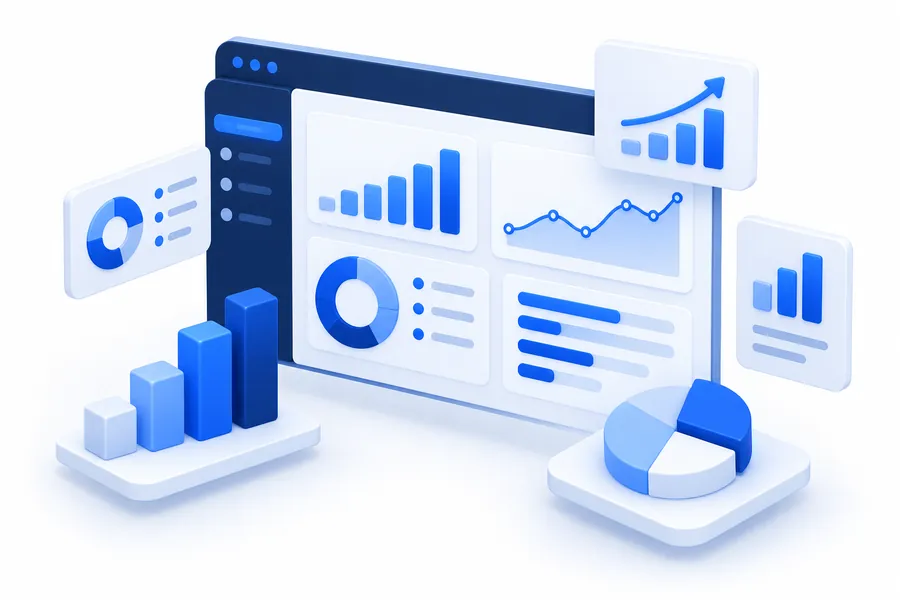
Reports that arrive too late
In many companies the monthly report is put together by hand from several exports, and it is already outdated when it reaches management.
Good dashboards are not about adding charts. They show a small set of agreed indicators, refreshed automatically, and let you drill down to the detail behind any figure.
What we build
Management dashboards
Sales, costs, margins and cash on a single screen, refreshed automatically.
Operational dashboards
Daily performance for production, warehouse, transport or service teams.
KPI frameworks
Support in deciding which indicators matter, how they are calculated and who is responsible for them.
Scheduled reports
PDF or Excel reports emailed automatically to the right people.
Alerts
Notifications when an indicator goes past a threshold.
How the pieces connect
Connects to
- Accounting and ERP
- Operational systems
- Spreadsheets
Data model and dashboards
Used by
- Management
- Team leads
- Scheduled reports
Typical features
Analysis
- Drill-down from totals to detail
- Comparison with plan and earlier periods
- Filters by period, region, team or product
Access
- Each user sees only their own area
- Works on phone and desktop
- Export to Excel and PDF
Data
- Automatic daily or hourly refresh
- One definition for each indicator
- Data quality checks
Typical scenario
An example of the type of project we build. It does not describe a specific client.
Situation
A company with several branches gets its monthly results three weeks after month end, compiled by hand from different files.
What we build
A data model that gathers figures from accounting and operations each night, and a dashboard showing results by branch, the comparison with plan, and drill-down to individual transactions.
Result
Results available the following morning instead of weeks later, and one shared version of the figures.
How the project unfolds
Questions first
We begin with the decisions you have to make, not with whatever data is available.
Data sources
Connect and clean the data, and agree how each indicator is defined.
Prototype
A first dashboard on real data, reviewed with the people who will rely on it.
Refine and automate
Final layout, automatic refresh, access rules and alerts.
Adoption
Short training and adjustments after the first weeks of use.
What you get
- Live dashboards with access rules
- Documented indicator definitions
- Automated data pipelines
- Scheduled reports
- Source code and the rights to it
Technologies we use
- PostgreSQL
- Data pipelines (ETL)
- Metabase, Power BI or custom dashboards
- Python for data processing
- Scheduled jobs
Questions about this service
Do we need a data warehouse?
Not necessarily. For many companies a well-designed reporting database is enough. We size the solution to your data.
Can you use Power BI?
Yes, if it is already in use. We can also build dashboards inside your own system or with open-source tools.
How fresh is the data?
As fresh as the sources allow: from near real time to a nightly refresh, depending on what you need.
Our data is messy. Is that a problem?
That is normal. Cleaning and defining the data is part of the job, and often the most valuable part.
Related services
All services-

Integrations and APIs
Your systems connected, so data moves on its own instead of being typed again.
-

Custom software development
Internal systems, portals and apps built around the way your company really works.
-
AI automation and AI agents
Documents, data entry, answers and reports handled by AI, with people staying in control.

Let's discuss your project
Explain what you need in a few lines. Within one business day we get back to you with questions and the next steps.
Request a quote